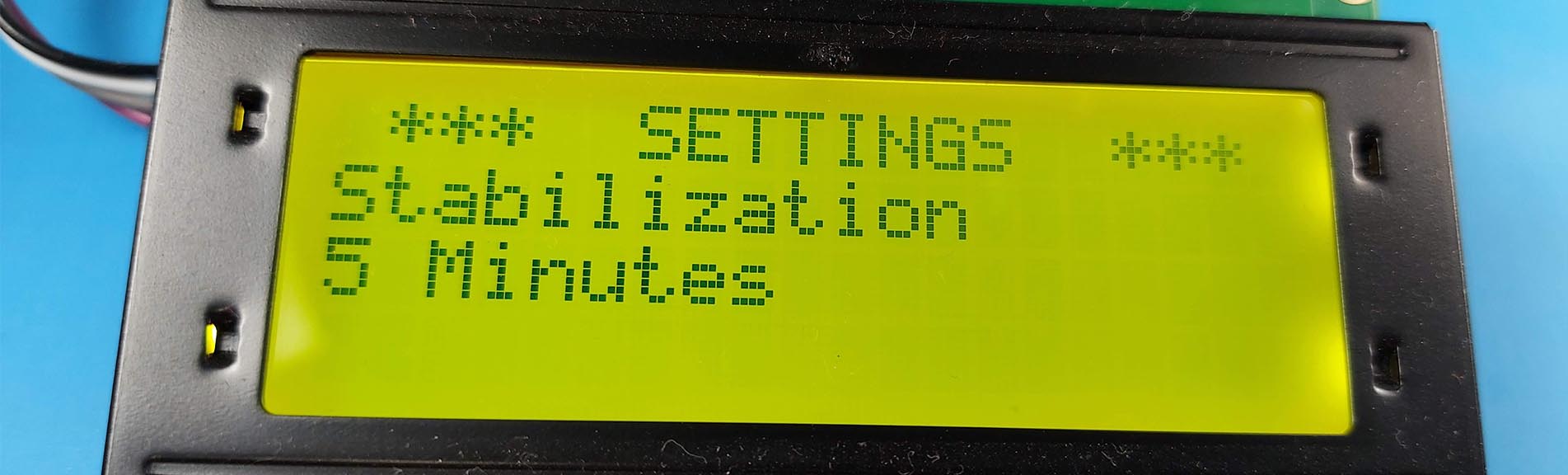
When a project goes beyond basics, there is usually a need to have control over a few different parameters. In my pellet burner project, I have this need so I created this simple example of how you can create a menu for your projects.

The menu is accessed by pressing the button on a rotary encoder and the values can be updated with the rotation of the encoder.
The code for this example can be found on the Instructable for the project.
Tools and materials used in the video:
- Arduino Nano - https://s.click.aliexpress.com/e/_AEdASg
- 20x4 LCD Display - https://s.click.aliexpress.com/e/_AXHwYy
- Rotary Encoder - https://s.click.aliexpress.com/e/_AbYf3e
- DS1302 RTC Module - https://s.click.aliexpress.com/e/_AsXuNQ
- Jumper Cables - https://s.click.aliexpress.com/e/_9y5hIy
- Mini breadboard - https://s.click.aliexpress.com/e/_ApiUrw
- 100nF ceramic capacitor - https://s.click.aliexpress.com/e/_AUofPA